How AI Can Automate Invoice Processing for Retail Businesses
Discover how AI automates invoice processing for retail businesses, reduces manual work, improves accuracy, and simplifies supplier invoice management.

How Does AI Automate Retail Invoices?
Your retail business has grown. You have more customers, more suppliers, more products, and perhaps more stores than ever before.
That is good news.
But behind the scenes, your finance team might be facing a very different reality.
Every day, supplier invoices arrive in your inbox. Some are PDFs. Others are scanned documents, spreadsheets, or email attachments. Every supplier seems to follow a different format.
Your team opens each invoice, identifies the supplier, checks product descriptions, compares quantities, verifies prices, finds the corresponding purchase order, and enters the information into your business system.
Then comes the next invoice.
And the next.
And the next.
Now imagine this happening across multiple stores, warehouses, product categories, and supplier relationships.
What initially looks like a simple administrative task can become one of the most repetitive and demanding activities in retail finance operations.
The interesting part?
Your business might already have a sophisticated ERP system, yet your employees are still manually processing supplier invoices.
Why?
Because having an ERP does not automatically solve the problem of understanding information that arrives outside it.
An ERP system can manage purchase orders, inventory records, supplier information, accounting entries, and financial transactions. But incoming supplier documents do not always arrive in a format the ERP can immediately use.
Someone must first interpret the information.
Someone must identify the products.
Someone must compare the details.
Someone must investigate the discrepancies.
And someone must prepare the data for the next stage of processing.
This is the hidden operational gap that many retailers continue to manage manually.
But what if supplier invoices could be read and understood automatically?
What if the system could identify relevant invoice details, recognize product descriptions, compare them with purchase orders, highlight inconsistencies, and prepare structured information for your existing ERP?
What if your finance team spent less time typing information and more time managing the financial decisions that actually require their expertise?
This is the opportunity created by AI invoice processing for retail businesses.
Artificial intelligence is helping businesses move beyond basic document digitization toward intelligent document understanding and workflow automation.
Instead of treating every supplier's invoice as a document that must be manually interpreted, AI-powered systems can extract and organize information, apply validation rules, and identify cases that require human attention.
For retailers, this can make invoice processing more consistent, manageable, and scalable.
And the benefits are not limited to large supermarket chains.
Fashion retailers, electronics stores, FMCG distributors, multi-location retail businesses, and growing retail brands can all encounter document-processing challenges that make automation worth exploring.
In this guide, we will examine why retail invoice processing becomes complicated, how AI-powered invoice automation works, what businesses should expect from the technology, and how to implement it without disrupting existing operations.
We will also explore how AI-powered email and document intelligence platforms such as YellowChunks can help bridge the gap between incoming supplier documents and the structured information required by enterprise systems.
The goal is simple: to understand how retailers can move from repetitive document handling toward smarter, more efficient invoice processing.
1. What Is Invoice Processing in Retail?
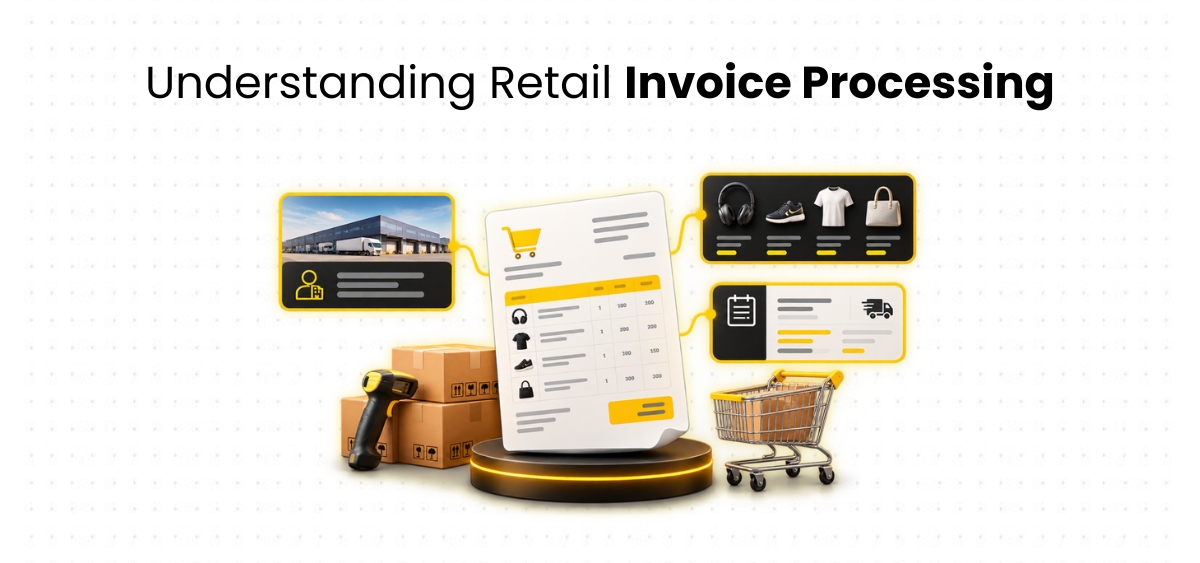
Invoice processing is the business workflow used to receive, review, validate, approve, and record invoices submitted by suppliers.
It is a fundamental part of accounts payable operations.
Whenever a retailer purchases products or services from a supplier, the supplier typically issues an invoice requesting payment.
Before the invoice can be approved, the retailer needs to establish whether the information is correct and whether the transaction satisfies its purchasing and financial controls.
This may involve checking the supplier's identity, verifying the purchase order, confirming product details, comparing quantities, reviewing prices, and investigating discrepancies.
Once the required checks are complete, the invoice can move through the retailer's approval, accounting, and payment workflow.
Although this process exists in many industries, retail businesses often face additional complexity because invoices are closely connected to inventory, procurement, and goods received.
1.1 Why invoice processing is important for retailers
Consider a supermarket that purchases products from food manufacturers, beverage distributors, cleaning product suppliers, and packaging companies.
Each supplier sends invoices for products delivered.
The supermarket must ensure that these invoices reflect the correct goods, quantities, prices, and commercial terms.
If an invoice contains an incorrect quantity, the retailer may need to investigate whether the goods were fully delivered.
If the price differs from the purchase order, the procurement team may need to verify whether a price change was approved.
If the product description does not match the internal inventory catalog, an employee may need to identify the correct SKU.
These checks help maintain accurate financial records and support effective purchasing controls.
Without a reliable invoice-processing workflow, businesses can experience avoidable delays, additional reconciliation work, and difficulty maintaining consistent records.
1.2 How traditional retail invoice processing works
In many businesses, invoice processing begins when a supplier sends a document through email or another communication channel.
An employee receives the invoice and opens the attachment.
The employee identifies the supplier, invoice number, invoice date, purchase order reference, product descriptions, quantities, prices, taxes, and other relevant information.
The information is then compared with available purchasing records.
If the invoice refers to a purchase order, the employee locates the corresponding record and checks whether the details match.
Where required, the employee also checks goods-received information to confirm the products delivered.
If everything is consistent with the business rules, the invoice can proceed to approval and accounting.
If discrepancies exist, the employee investigates them.
That investigation may involve contacting procurement, warehouse personnel, store managers, or suppliers.
The invoice remains unresolved until the necessary information is available, and the appropriate decision has been made.
This workflow contains several essential controls.
The problem is that many routine activities within it are performed manually, even when the business already uses enterprise software.
1.3 Why retail invoices are more complicated than they appear
A retail invoice may contain dozens or hundreds of product lines.
Each line can include a product code, description, quantity, unit of measure, unit price, discount, tax treatment, and total amount.
Suppliers may use descriptions that differ from the retailer's internal product catalog.
Some invoices may cover multiple deliveries.
Others may contain returns, adjustments, or additional charges.
A retailer operating multiple stores may also need to identify the correct receiving location or business entity.
The finance team must connect this information with existing purchasing and inventory records.
That is why invoice processing is not simply a matter of reading an invoice number and entering a total amount.
It is an information-processing workflow that requires interpretation, comparison, and validation.
2. Why Manual Invoice Processing Becomes a Major Challenge for Retail Businesses
Manual invoice processing can work reasonably well when a business has a limited number of suppliers and relatively simple purchasing requirements.
But retail businesses rarely remain as simple as they grow.
A retailer may expand into new product categories, onboard additional suppliers, open new stores, or establish regional distribution centers.
Each development can increase the volume and complexity of incoming invoices.
The challenge is not only to handle more documents.
It is handling more documents while maintaining the same level of accuracy, control, and operational consistency.
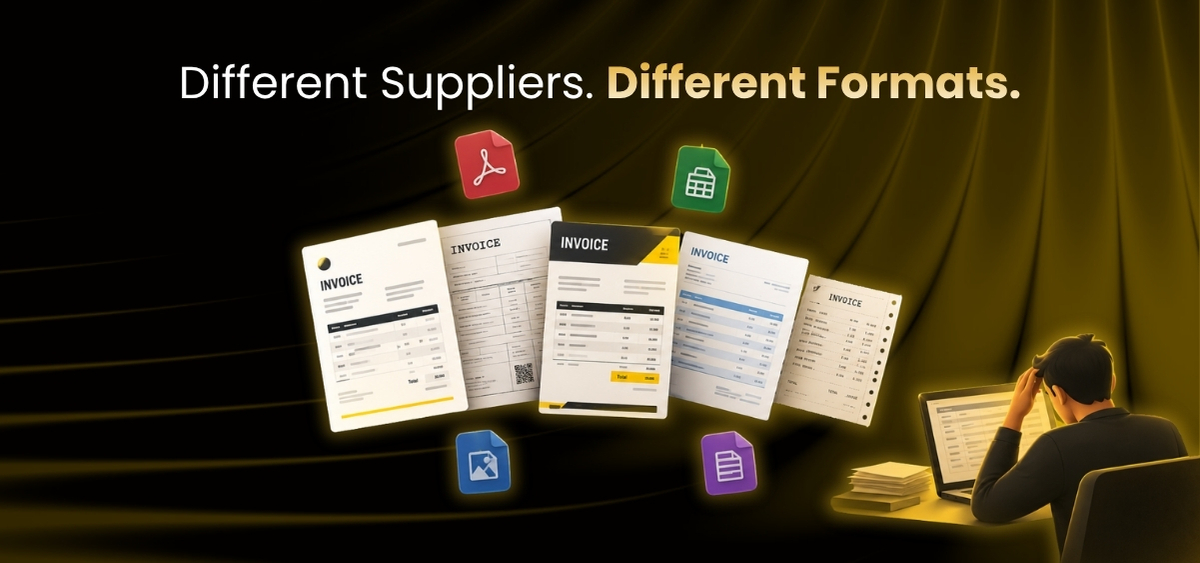
2.1 Every supplier uses a different invoice format
Imagine receiving invoices from several suppliers on the same day.
One invoice contains a detailed table with product descriptions, quantities, and prices.
Another places the invoice number in a small box near the bottom.
A third uses abbreviated product names.
A fourth contains multiple pages of line items.
A fifth arrives as a scanned document.
To a human employee, these differences may seem manageable individually.
But across hundreds of invoices, they create repetitive interpretations of work.
Employees must repeatedly locate relevant fields and determine how the information should be entered into the retailer's system.
Traditional template-based extraction tools may work well when invoices follow predictable layouts.
However, new suppliers or layout changes can create additional configuration requirements.
AI-powered invoice processing can offer greater flexibility by using document structure and context to identify relevant information across different formats.
This does not mean every invoice can be processed perfectly.
Unusual layouts, poor-quality scans, and ambiguous fields may still require review.
Nevertheless, intelligent extraction can reduce the need to manually interpret every routine invoice.
2.2 Large product catalogs make invoice matching difficult
Retail businesses often maintain extensive product catalogs.
A supermarket may stock thousands of food and household products.
A fashion retailer may manage clothing in multiple sizes, colors, styles, and collections.
An electronics retailer may maintain products with different models, specifications, and configurations.
Each product is typically associated with an internal identifier, such as a Stock Keeping Unit or SKU.
Suppliers may use different identifiers and descriptions.
For example, a supplier might describe a product as:
Premium Whole Milk 1000ML
The retailer's internal catalog might record it as:
Full Cream Milk Premium 1L
An employee may recognize that these descriptions refer to the same product.
But manually identifying the correct SKU for every invoice line can become time-consuming.
The difficulty increases when several products have similar descriptions.
A product described as "Premium Rice 5KG" may correspond to different brands or varieties.
A clothing item may have the same style name but different sizes.
An electronic device may have a nearly identical model number but a different specification.
AI-assisted SKU matching can help identify potential matches using product descriptions, attributes, supplier references, and available catalog information.
However, a reliable workflow should not assume that similar descriptions always represent identical products.
Uncertain matches should be reviewed.
2.3 Purchase order mismatches require investigation
Purchase orders contain important information about what a retailer has agreed to purchase.
They may specify products, quantities, prices, discounts, delivery requirements, and other purchasing terms.
When a supplier invoice arrives, the retailer often needs to verify that the invoice is consistent with the corresponding purchase order.
Differences can occur for several reasons.
The supplier may invoice a different quantity.
The price may have changed.
A discount may be missing.
An additional charge may be included.
The invoice may reference the wrong purchase order.
These situations require attention because they can affect the accuracy of financial records.
In a manual workflow, employees compare invoice fields with purchase order details and investigate differences.
AI-powered invoice validation can support this process by extracting invoice information and comparing it with available purchasing records.
Potential mismatches can be highlighted for review.
This allows employees to focus on discrepancies rather than manually checking every routine field.
2.4 Partial deliveries create additional complexity
Retail deliveries do not always arrive exactly as originally ordered.
A supplier may deliver goods in multiple shipments.
Some products may be unavailable.
A warehouse may reject damaged items.
A delivery may contain fewer units than expected.
These situations create differences between purchase orders, goods-received records, and supplier invoices.
For example, a retailer may order a particular product, receive only part of the shipment, and later receive an invoice for the full order.
The finance team needs to determine whether the remaining goods are expected or whether the invoice requires correction.
The answer may depend on supplier agreements, delivery schedules, and the retailer's accounting policies.
Automated validation can help identify the difference when relevant receiving records are available.
But deciding how to resolve the discrepancy may still require human judgment.
2.5 Duplicate invoices create unnecessary risk
Suppliers sometimes resend invoices.
A document may be forwarded to several employees.
An invoice may be uploaded through more than one channel.
A corrected invoice may resemble an earlier version.
These situations can create repeated or potentially duplicate documents.
Without effective checks, employees may spend additional time investigating them.
In poorly controlled workflows, duplicate invoices can also increase the risk of duplicate payments.
AI-powered duplicate invoice detection can compare relevant details with existing records.
The system may examine supplier identity, invoice number, date, amount, and other attributes.
When a potential duplicate is identified, the invoice can be flagged for review.
However, similar invoices are not necessarily duplicates.
Two legitimate invoices may have similar values or dates.
A reliable system should therefore support investigation rather than automatically rejecting every document that appears similar.
2.6 Multiple stores and warehouses increase the workload
A retail business operating at several locations may receive invoices associated with different stores, warehouses, departments, or legal entities.
A supplier may deliver products to multiple locations while issuing invoices.
Alternatively, invoices may be submitted separately for individual deliveries.
Finance teams need to associate each invoice with the correct purchase and receiving records.
If location references are incomplete, employees may need to investigate.
This can involve communicating with store managers, warehouse teams, procurement departments, or suppliers.
AI-powered document intelligence can help identify relevant references and prepare structured information for the appropriate workflow.
Its effectiveness depends on the availability and quality of the underlying business records.
2.7 Manual processing can affect data consistency
Manual data entry requires employees to repeatedly transfer information between documents and systems.
Even experienced professionals can occasionally mistype an invoice number, select an incorrect supplier, or enter the wrong quantity.
These errors may create additional reconciliation of work or require corrections later.
Automated extraction can reduce repetitive transcription.
Validation rules can also help identify missing or inconsistent information.
However, AI extraction can make mistakes too.
Poor document quality, unusual layouts, and ambiguous information may affect results.
The objective should therefore be to improve information quality through automation, validation, and appropriate human oversight.
3. The Hidden Operational Costs of Manual Invoice Processing

The impact of manual invoice processing extends beyond the time employees spend entering data.
It can affect finance productivity, supplier communication, reconciliation, approval of workflows, and the ability to scale operations.
These consequences are not always visible when businesses evaluate invoice processing as a routine administrative function.
3.1 Finance employees spend time on repetitive activities
Finance professionals bring valuable knowledge about accounting, supplier relationships, purchasing controls, and business operations.
Yet much of their time may be spent opening documents, locating fields, copying information, and comparing records.
These activities are necessary, but they do not always require the expertise of experienced finance employees.
When routine document handling consumes a significant portion of the working day, employees have less time for activities that require judgment.
These may include investigating unusual transactions, improving supplier relationships, strengthening controls, and supporting financial planning.
AI invoice processing can reduce repetitive information-processing work and allow employees to concentrate on more valuable responsibilities.
3.2 Invoice approval can take longer than necessary
An invoice may remain unresolved because a purchase order reference is missing.
Another may require warehouse confirmation.
A third may contain an unexpected price.
In manual workflows, these issues may only become visible after an employee reviews the document.
If the relevant person is unavailable, processing may be delayed.
Automated extraction and validation can help identify issues earlier.
Instead of discovering missing information late in the process, the system can flag it during initial processing.
This gives employees an opportunity to address the problem sooner.
3.3 Reconciliation becomes more complicated
Finance teams regularly reconcile supplier statements, invoice records, and accounting information.
When invoice data is inconsistent or incomplete, reconciliation can require additional investigation.
Employees may need to locate original documents, verify transaction details, or correct information.
Better extraction and validation can help improve the consistency of data entering business systems.
This can reduce some avoidable reconciliation work, although normal accounting checks will still be required.
3.4 Supplier relationships may be affected
Invoice discrepancies often require communication with suppliers.
A supplier may ask why an invoice has not been approved.
The finance team may need to explain that the purchase order reference is missing or that the invoiced quantity differs from the receiving record.
If supporting information is difficult to locate, resolving the issue can become more complicated.
Structured invoice data and clear exception records can help employees communicate more effectively.
3.5 Business growth becomes harder to support
As retail businesses expand, invoice volumes often increase.
New stores, additional suppliers, and larger product catalogs create more documents to process.
A workflow that depends heavily on manual effort may struggle to scale.
Businesses may need to allocate additional employees to routine activities or accept longer processing times.
Automation can help create a more scalable foundation by handling suitable document-processing tasks consistently.
Actual results will depend on document quality, business rules, exception rates, and system integration.
4. What Is AI Invoice Processing?
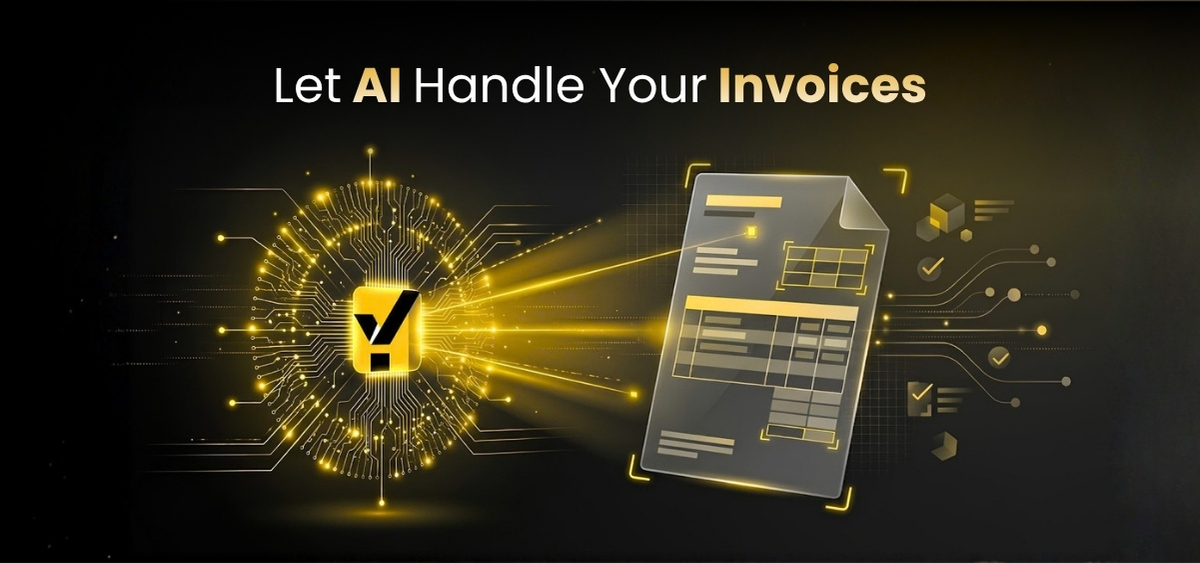
AI invoice processing is the use of artificial intelligence and related automation technologies to extract, interpret, validate, and organize information from invoices.
Instead of requiring employees to manually identify every field, an AI-powered system can analyze incoming documents and convert relevant information into structured data.
This information may include supplier details, invoice references, product descriptions, quantities, prices, taxes, discounts, and other relevant fields.
Depending on the implementation, the extracted data can be compared with business records such as purchase orders, supplier master data, product catalogs, and goods-received information.
When discrepancies are identified, the system can flag them for review.
Once the required validation steps are complete, the information can be prepared for use within the retailer's existing business systems.
This approach is closely associated with Intelligent Document Processing, commonly abbreviated as IDP.
4.1 Understanding Intelligent Document Processing
Intelligent Document Processing refers to technologies that capture, extract, interpret, and organize information from documents.
It may combine Optical Character Recognition, machine learning, natural language processing, document classification, and business validation rules.
The purpose is to transform document content into structured information that can support business processes.
Consider a supplier invoice containing a product description, quantity, unit price, and total amount.
Recognizing the printed text is only the first step.
The system also needs to determine what each value represents and how it relates to the other information.
This contextual interpretation is especially important for invoices containing complex line-item tables.
4.2 AI invoice processing vs traditional OCR
Optical Character Recognition, or OCR, is a technology used to recognize text from scanned documents and images.
OCR can convert printed characters into machine-readable text.
However, OCR alone does not necessarily understand the business meaning of that text.
For example, OCR may recognize a numerical value on an invoice.
Additional logic is required to determine whether that number represents a quantity, price, product code, tax amount, or invoice total.
AI-powered invoice processing goes beyond basic text recognition by helping identify fields, interpret context, and support validation.
OCR remains useful within many intelligent document processing solutions.
The difference is that AI invoice automation focuses on preparing information for business use, not merely recognizing characters.
4.3 Why contextual understanding matters
Retail invoices often contain multiple product lines.
Each line may include several numerical values and descriptions.
A system needs to determine which quantity belongs to which product and which price corresponds to that quantity.
It may also need to understand supplier abbreviations and product naming variations.
Contextual interpretation helps connect these pieces of information.
For example, a supplier may use the description "Organic Milk FC 1L."
The retailer catalog may use "Full Cream Organic Milk 1000ML."
An intelligent matching process can consider the product description and available attributes to identify a potential relationship.
But if the information is insufficient, the system should not assume that the match is correct.
Human verification may be necessary.
4.4 Does AI eliminate manual invoice processing?
AI can automate many repetitive activities, but complete automation is not appropriate for every invoice.
Some documents contain unclear information.
Others involve unusual purchasing arrangements, missing records, or discrepancies requiring business judgment.
A reliable workflow should identify routine transactions that satisfy established rules while directing uncertain cases to employees.
The objective is not to remove people from financial decision-making.
It is to reduce unnecessary manual work while preserving appropriate controls.
5. How AI Automates Invoice Processing for Retail Businesses: Step by Step
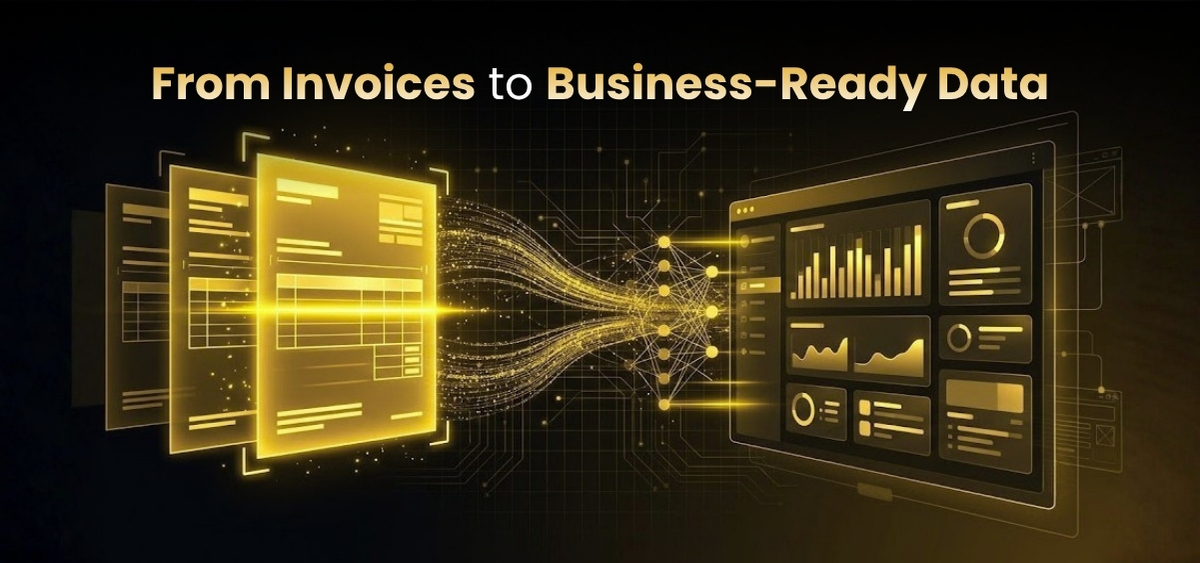
Understanding the technology is useful, but retail decisionmakers also need to know how it works in practice.
Let's follow the journey of a supplier invoice from the moment it arrives to the point where its information is ready for the retailer's existing systems.
Step 1: Automated invoice intake
Retailers receive invoices through multiple channels.
Some arrive as email attachments.
Others are uploaded through supplier portals or submitted as scanned documents.
In a manual workflow, employees may need to open messages, download attachments, organize files, and identify documents requiring processing.
An AI-powered document intake workflow can help collect supported documents from configured channels.
For example, a retailer receiving invoices through a dedicated supplier's email address could use automated ingestion to identify supported invoice attachments.
This reduces the need for employees to manually handle every incoming document.
Businesses should still establish rules for unsupported files, incomplete submissions, and documents that require special handling.
Step 2: Intelligent document classification
Not every supplier attachment is an invoice.
Businesses also receive quotations, purchase order acknowledgments, delivery notes, credit notes, and statements.
Each document type may require a different workflow.
AI-powered classification can examine available text, structure, and document characteristics to identify the likely document category.
Invoices can then proceed to extraction and validation.
Other documents can follow appropriate processes.
This distinction matters because processing every attachment as an invoice could create unnecessary errors.
Step 3: AI invoice data extraction
Once a document has been identified as an invoice, the system extracts relevant information.
This may include supplier name, invoice number, invoice date, purchase order reference, product descriptions, quantities, prices, discounts, taxes, and totals.
Different suppliers may present these fields in different locations.
AI-powered extraction can use contextual information to identify fields without relying entirely on fixed templates.
The extracted information can then be organized into structured records.
This makes it easier to compare invoice details with purchasing information and apply validation rules.
Step 4: Supplier identification
Correcting supplier identification is essential.
Retailers may maintain supplier master records containing names, internal IDs, addresses, tax information, and other details.
However, supplier names may appear differently across documents.
An invoice might use a trading name or abbreviation.
An intelligent matching process can compare available invoice information with supplier master data.
Where a reliable match is available, the system can associate the invoice with the appropriate supplier.
If the match is uncertain, the invoice should be flagged for review.
Step 5: Product description interpretation
Retail suppliers often use product descriptions that differ from internal catalog terminology.
An AI-powered system can help interpret these descriptions and identify relevant attributes.
For example, the description "Premium White Rice 5KG Bag" may contain information about product type and packaging size.
This information can support matching the retailer's internal product catalog.
However, product interpretation should not rely only on text similarity.
Two products may have similar names but different brands, sizes, or variants.
A reliable process should combine intelligent interpretation with reference data and validation.
Step 6: SKU matching
Once product information has been interpreted, the system can attempt to associate supplier line items with internal SKUs.
This may involve comparing supplier codes, product descriptions, packaging sizes, and other available attributes.
Where a match satisfies the retailer's rules, it can support further validation.
Where several possible matches exist, the item can be directed to an employee.
This is particularly important for retailers managing extensive product catalogs.
Step 7: Purchase order matching
The next stage involves comparing invoice information with the corresponding purchase order.
The system may check supplier identity, product references, quantities, prices, and other purchasing details.
If the invoice satisfies the required matching rules, it can proceed.
If differences are identified, the system can highlight them.
For example, an invoice may contain a unit price that differs from the purchase order.
The finance team can then determine whether the difference reflects an approved change or requires supplier clarification.
Step 8: Goods-received validation
For businesses purchasing physical goods, invoice validation may also require confirmation of delivered quantities.
Goods-received records provide information about what arrived at the store or warehouse.
An automated workflow can compare available receiving information with invoice and purchase order data.
This process is commonly associated with three-way invoice matching.
It helps identify differences between what was ordered, what was received, and what was invoiced.
Step 9: Duplicate invoice detection
The system can compare extracted invoice details with existing records to identify potential duplicates.
Relevant fields may include supplier identity, invoice number, date, amount, and purchase order reference.
When a potential duplicate is identified, the document can be flagged for investigation.
The process should also account for legitimate recurring invoices and corrected documents.
Step 10: Discrepancy identification
Invoice discrepancies can involve missing purchase order references, unexpected prices, quantity differences, uncertain SKU matches, or incomplete supplier information.
Automated validation can identify these issues and organize them for review.
Instead of requiring employees to manually inspect every routine field, the system can direct attention toward exceptions.
Step 11: Human review
Some invoices require human judgment.
An employee may need to verify a product match, investigate a delivery discrepancy, or approve an authorized price change.
Human-in-the-loop validation combines automation with oversight.
It allows routine information-processing tasks to be automated while preserving control over important business decisions.
Step 12: Structured data preparation
After extraction and validation, invoice information can be organized into the structure required by the retailer's business systems.
This may include supplier IDs, purchase order references, product codes, quantities, prices, and tax information.
The structured information can then support the next stage of processing.
Step 13: ERP integration
Depending on the implementation, validated information can be made available to existing ERP, accounting, or procurement systems.
Integration methods may include APIs, middleware, approved import formats, or other configured interfaces.
It is important to distinguish between preparing ERP-ready data and automatically posting transactions.
Direct posting requires appropriate integration capabilities, permissions, and business controls.
Step 14: Monitoring and improvement
Invoice automation should be monitored after implementation.
Businesses should review extraction quality, matching performance, exception rates, and workflow outcomes.
Recurring problems may reveal opportunities to improve supplier data, product mappings, or validation rules.
Continuous monitoring helps the workflow adapt as business requirements evolve.
6. How AI Invoice Processing Works in Different Retail Industries
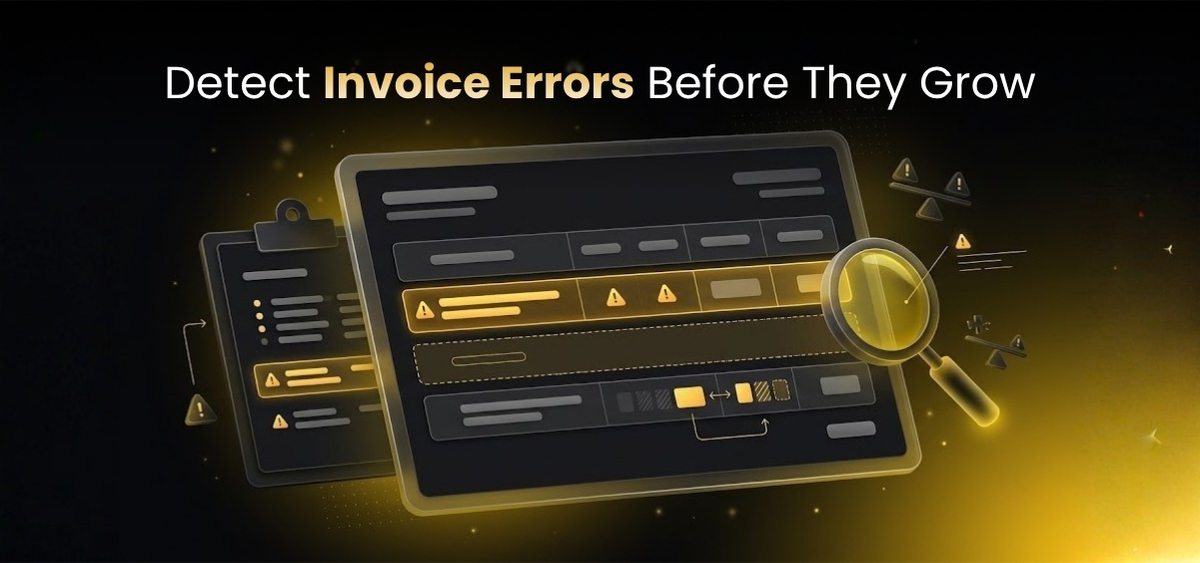
Retail businesses operate across different categories, each with their own supplier relationships, product structures, and purchasing requirements.
The underlying principles of invoice automation are similar, but practical applications vary.
The following scenarios illustrate how AI invoice processing can support different retail environments.
6.1 Supermarkets and grocery retail
Supermarkets manage diverse product categories, including fresh foods, packaged groceries, beverages, cleaning supplies, and household essentials.
They often work with numerous suppliers and receive frequent deliveries.
Supplier invoices may contain many product lines with different units, packaging formats, and descriptions.
A supermarket may purchase the same product from several distributors, each using different product codes.
This makes supplier invoice processing particularly challenging.
AI-powered invoice processing can help extract line-item information, interpret descriptions, support SKU matching, and compare available purchasing records.
For example, a supplier may invoice a particular packaged food product using an abbreviated description.
The retailer's internal catalog may use a standardized product name.
AI-assisted matching can identify a potential relationship using available attributes.
If the match is uncertain, the item can be flagged for review.
Supermarkets can also benefit from automated quantity validation when receiving records are available.
This is useful when deliveries are incomplete or when suppliers invoice products that have not yet been received.
6.2 Fashion and apparel retail
Fashion retailers frequently manage products with multiple variants.
A clothing item may be available in different sizes, colors, styles, and seasonal collections.
Suppliers may use their own style of code or abbreviated descriptions.
A retailer's internal system may maintain a more detailed SKU structure.
This creates challenges when matching invoice line items with inventory records.
AI-powered document intelligence can help extract product descriptions and identify potential matches using available reference information.
However, matching fashion products requires care.
A similar description may refer to a different size or color.
A reliable workflow should consider relevant attributes and route uncertain matches for review.
Fashion retailers may also receive invoices from suppliers using different formats across collections and seasons.
Flexible document extraction can reduce repetitive processing when those formats vary.
6.3 Electronics retail
Electronics retailers manage products with model numbers, technical specifications, and variations.
Invoices may contain smartphones, laptops, appliances, accessories, and other devices.
Small differences in product identifiers can represent different products.
For example, two devices may have similar model names but different storage capacities or specifications.
AI-assisted extraction can identify model references and product descriptions.
Matching logic can compare them with internal catalog records.
Where information is incomplete or ambiguous, human review remains important.
This approach supports efficient processing without assuming that visually similar product descriptions represent identical items.
6.4 FMCG retail
Fast-Moving Consumer Goods businesses often manage frequent purchasing and supplier deliveries.
Products may include packaged foods, beverages, personal care items, and household essentials.
Supplier invoices can contain numerous line items with different descriptions and packaging units.
AI-powered invoice processing can help standardize extracted information and support validation against purchasing records.
This can be particularly useful when working with many distributors.
6.5 Home improvement and hardware retail
Hardware retailers may manage products with technical specifications, dimensions, materials, and packaging variations.
Supplier invoices may use manufacturer-specific codes.
A product described as a particular type of fitting or electrical component may need to be matched with an internal catalog containing similar alternatives.
AI-assisted product interpretation can help identify possible matches.
However, technical specifications should be treated as important validation of attributes.
A product with a similar name, but different dimensions may not be interchangeable.
6.6 Beauty and personal care retail
Beauty retailers often manage products that vary by brand, size, shade, formulation, and packaging.
Supplier invoices may use abbreviated names or internal manufacturer codes.
AI-assisted extraction can help identify relevant product attributes.
Matching workflows can then compare these details with the retailer's internal records.
Uncertain matches should be reviewed, particularly when small product differences are commercially important.
6.7 multi-store retail chains
Retail chains operating multiple locations may centralize finance activities while receiving goods across different stores and warehouses.
Invoices may need to be associated with specific locations, purchase orders, or business entities.
AI-powered document intelligence can help identify relevant references and prepare structured information for the appropriate workflow.
For example, an invoice may contain a store code or delivery location.
The system can extract that information and support matching internal records.
If the reference is missing, the invoice can be flagged for investigation.
6.8 Retail distribution centers
Distribution centers often maintain goods-received records that are important for invoice validation.
When suppliers submit invoices, finance teams may need to compare billed quantities with warehouse receiving information.
Automated validation can help identify discrepancies.
This reduces the need for employees to manually compare every line.
However, reliable results depend on the availability and accuracy of receiving records.
6.9 Franchise retail operations
Franchise businesses may involve multiple operators, purchasing arrangements, and accounting structures.
Invoice-processing requirements can differ depending on whether purchasing is centralized or managed locally.
AI-powered document processing can help standardize extraction and organization of supplier information.
Where appropriate systems and business rules are available, structured data can support the relevant accounting workflows.
6.10 Omnichannel retail
Omnichannel retailers sell through physical stores, websites, marketplaces, and other channels.
Their procurement and inventory operations may involve several warehouses and fulfillment locations.
Supplier invoices still need to relate to the correct purchase and receiving records.
AI-powered document intelligence can help prepare structured invoice information and support validation.
This can be useful when operational information is distributed across different systems.
7. Understanding Two-Way and Three-Way Invoice Matching
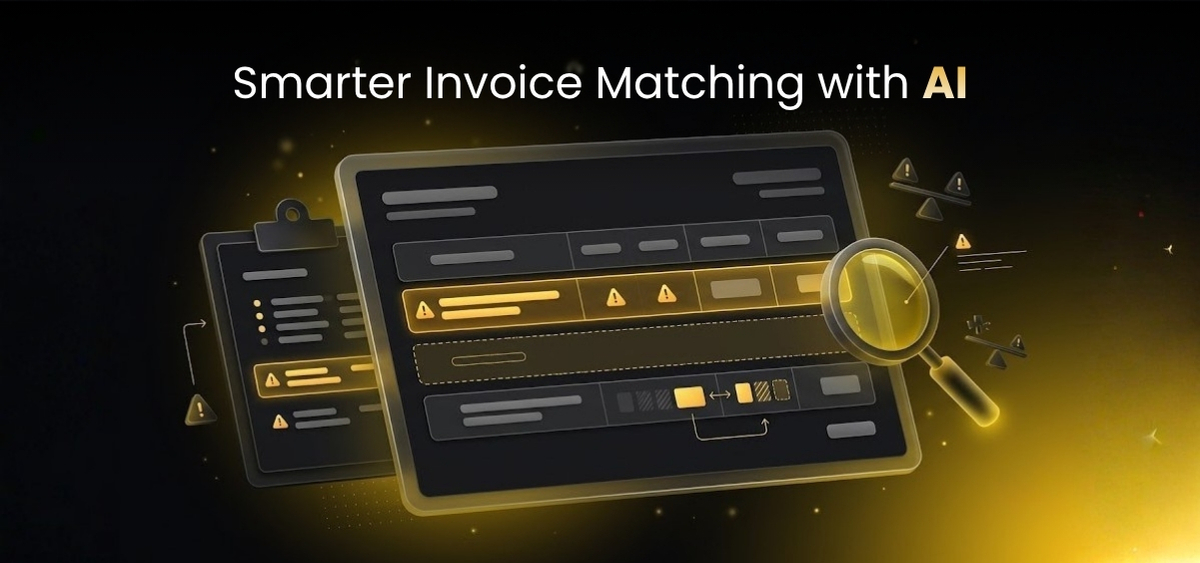
Invoice matching is an important control in retail accounts payable.
It helps businesses determine whether supplier invoices are consistent with purchasing records.
Two common approaches are two-way matching and three-way matching.
7.1 What is a two-way invoice matching?
Two-way matching compares the supplier's invoice with the purchase order.
The purpose is to determine whether the invoiced information is consistent with what the retailer agreed to purchase.
Relevant fields may include supplier identity, product descriptions, quantities, prices, and purchase order references.
For example, a retailer may receive an invoice for products ordered under a specific purchase order.
The finance team needs to confirm that the invoiced products and prices are consistent with the order.
AI-powered validation can help automate suitable comparisons.
If discrepancies exist, the system can flag them for review.
7.2 What is a three-way invoice matching?
Three-way matching adds good-received information to the comparison.
The process considers the purchase order, supplier invoice, and receiving records.
This is particularly relevant when retailers purchase physical goods.
For example, a supplier may invoice products that have not yet been fully delivered.
The purchase order and invoice may agree, but the receiving record may show a different quantity.
Three-way matching helps identify that difference.
7.3 Why three-way matching matters in retail
Retail businesses depend on accurate information about purchased and received products.
An invoice may appear correct when compared with the purchase order but still differ from what the warehouse received.
This can happen because of partial deliveries, damaged goods, shortages, or other operational issues.
Three-way matching helps bring these records together.
It can support stronger purchasing controls and more consistent invoice validation.
7.4 Can AI automate three-way matching?
AI can support three-way matching by extracting invoice information and comparing it with available purchase order and receiving data.
However, successful automation depends on the availability and quality of those records.
The system must also reflect the retailer's business rules.
For example, some businesses may allow partial deliveries or defined tolerances.
Others may require specific approvals before an invoice can proceed.
AI can identify differences, but the correct business action may still require human judgment.
8. How AI Helps Retailers Manage Supplier Invoice Discrepancies
Invoice discrepancies are a normal part of retail operations.
They can occur because of supplier mistakes, delivery changes, pricing updates, missing references, or inconsistent product descriptions.
The challenge is identifying and resolving them efficiently.
8.1 Price discrepancies
A supplier invoice may contain a price that differs from the purchase order.
This could reflect an error or an approved change.
Automated validation can identify the difference.
The procurement or finance team can then determine whether the invoice should be accepted, corrected, or investigated.
8.2 Quantity discrepancies
An invoice may show a different quantity from the purchase order or receiving record.
This may occur because of partial deliveries, shortages, or incorrect billing.
AI-powered validation can highlight the mismatch.
Employees can review the supporting information and determine the appropriate action.
8.3 Missing purchase order references
Some invoices arrive without a valid purchase order number.
This can make it difficult to identify the corresponding purchasing transaction.
Automated processing can flag the missing reference.
Depending on the available information and workflow, the system may support identification of possible related records.
However, uncertain associations should be verified.
8.4 Uncertain product matches
Supplier descriptions may not clearly identify the corresponding internal SKU.
An intelligent matching process can suggest possible products.
Where the available information is insufficient, the item can be directed to a reviewer.
This prevents uncertain product assignments from being treated as confirmed matches.
8.5 Tax and discount inconsistencies
Supplier invoices may contain taxes, discounts, and additional charges.
These details can vary depending on products, agreements, and applicable requirements.
Automated extraction can identify relevant fields.
Validation rules can then support checking against available business information.
Tax treatment and financial decisions should follow the retailer's policies and applicable regulations.
8.6 Credit notes and corrected invoices
Retailers may receive credit notes when products are returned; prices are adjusted, or previous invoices require correction.
These documents should not automatically be treated as ordinary invoices.
Document classification and appropriate workflow rules can help distinguish credit notes from invoices.
The correct processing approach depends on the retailer's accounting procedures and system capabilities.
9. The Business Benefits of AI-Powered Retail Invoice Automation

AI invoice processing can create value across finance, procurement, and operations.
The benefits extend beyond reducing manual data entry.
A well-designed workflow can help improve consistency, visibility, and operational efficiency.
9.1 Less repetitive manual work
AI can automate suitable activities such as document intake, field extraction, and routine validation.
This reduces the need for employees to manually interpret every invoice.
Finance teams can spend more time on exceptions, approvals, supplier communication, and financial controls.
9.2 Faster document preparation
Manual invoice processing often involves several stages of reading, entering, comparing, and checking information.
Automating suitable activities can reduce the time required to prepare invoices for further processing.
However, overall processing speed also depends on approval of workflows and exception resolution.
9.3 Better information consistency
Manual processing can produce inconsistencies when employees interpret or enter information differently.
Automated extraction can help standardize how relevant fields are identified and organized.
Validation rules can also identify missing or inconsistent information.
9.4 Earlier discrepancy detection
In manual workflows, discrepancies may only become visible after an employee reviews the invoice.
Automated validation can identify potential problems earlier.
This helps employees focus on issues requiring attention.
9.5 More manageable accounts payable operations
Accounts payable teams manage supplier invoices and support accurate financial processing.
AI-powered invoice automation can reduce repetitive information processing work.
By preparing structured data and highlighting exceptions, the system can help teams manage workloads more effectively.
9.6 Better support for business growth
Retail expansion can increase invoice volumes and supplier complexity.
Automation can help businesses handle routine document-processing activities more consistently.
Actual scalability depends on the implementation and operational environment.
9.7 Improved operational visibility
Structured invoice information and consistent exception records can make processing activities easier to monitor.
Businesses may identify recurring problems such as missing purchase order references or repeated supplier discrepancies.
These insights can support process improvement.
9.8 Stronger financial controls
Automated validation can support established financial controls by applying defined checks consistently.
Potential duplicates, missing fields, and mismatches can be identified for review.
Human approvals and other necessary controls should remain in place.
10. Why AI Invoice Processing Matters Even When You Already Have an ERP

Many retail businesses already use ERP systems.
These systems may manage purchasing, inventory, supplier records, accounting, and financial transactions.
This raises an important question.
If the business already has an ERP, why does it need AI invoice processing?
The answer lies in the difference between managing structured business information and interpreting incoming documents.
10.1 ERP systems manage structured records
ERP systems are designed to manage business transactions and information.
They may store purchase orders, supplier records, product catalogs, receiving information, and accounting entries.
These systems are essential for coordinated retail operations.
However, supplier invoices often arrive as unstructured or semi-structured documents.
The information must be interpreted and prepared before it can be used.
10.2 Incoming documents create an information gap
Consider a supplier invoice arriving as a PDF attachment.
The document contains important information, but the ERP may not automatically understand its contents.
Someone may need to identify the supplier, extract the invoice number, interpret product descriptions, match purchase order details, and verify quantities.
This work occurs between receiving the document and using the information within the ERP.
AI-powered document intelligence can help automate suitable parts of that process.
10.3 Document intelligence complements ERP systems
An AI-powered document intelligence platform can help transform incoming documents into structured information.
The ERP continues to manage the relevant business records and transactions.
This complementary relationship is important.
Retailers do not necessarily need to replace existing systems to improve invoice processing.
They can focus on automating the information-handling activities surrounding those systems.
10.4 ERP integration requires careful planning
Integration capabilities vary between systems.
Retailers should evaluate available APIs, import formats, middleware, security requirements, and business approval rules.
They should also distinguish between preparing structured data and automatically posting financial transactions.
Direct posting requires appropriate integration of capabilities and controls.
11. How to Implement AI Invoice Processing in a Retail Business
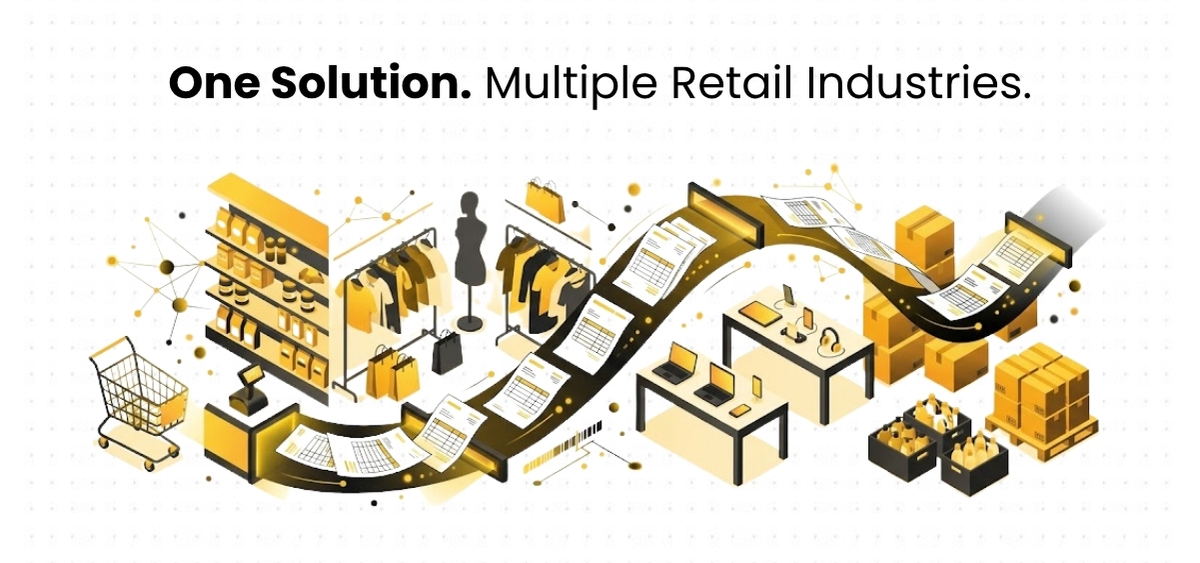
Implementing invoice automation requires more than selecting software.
Retailers need to understand their workflows, prepare relevant data, define validation rules, and establish appropriate review procedures.
A structured implementation approach can help reduce risk.
11.1 Understand the existing invoice workflow
Begin by examining how invoices currently move through the business.
Identify where documents arrive, who reviews them, which information is extracted, and how discrepancies are handled.
Consider how purchase orders and receiving records are accessed.
Understanding the existing process helps identify suitable automation opportunities.
11.2 Identify repetitive activities
Routine document intake, field extraction, and standard validation checks may be good candidates for automation.
Complex supplier disputes or unusual financial decisions may require greater human involvement.
The goal should be to automate suitable tasks without compromising necessary controls.
11.3 Review supplier document formats
Examine the invoices commonly received from suppliers.
Identify supported file types, complex layouts, scanned documents, and recurring information gaps.
This helps determine what the solution needs to be handled.
11.4 Prepare supplier and product reference data
Invoice validation depends on reliable reference information.
This may include supplier master records, purchase orders, SKU catalogs, and goods-received data.
Incomplete records can limit matching quality.
Retailers should review data consistency before implementation.
11.5 Define validation rules
Different retailers have different purchasing and approval requirements.
Some may allow defined tolerances.
Others may require exact matches for certain suppliers or product categories.
The workflow should reflect the retailer's actual policies.
11.6 Establish exception handling procedures
Employees should know how to respond when an invoice contains uncertain information.
Supplier identification issues may require finance review.
Product mismatches may require procurement input.
Quantity discrepancies may need warehouse confirmation.
Clear responsibilities help prevent exceptions from becoming bottlenecks.
11.7 Begin with a controlled pilot
A pilot can focus on a defined group of suppliers or document types.
This allows the business to evaluate extraction quality, matching performance, exception handling, and integration requirements.
Lessons from the pilot can inform of wider deployment.
11.8 Train employees
Employees need to understand how the system works and when manual review is required.
Training should focus on practical workflows, not only technology.
Teams should know how to interpret exceptions and report problems.
11.9 Monitor and improve
After implementation, businesses should monitor processing quality and operational outcomes.
Recurring issues may indicate that supplier documents, reference data, or validation rules need improvement.
Continuous review helps the workflow adapt to changing requirements.
12. How to Choose the Right AI Invoice Processing Software for Retail
Selecting invoice processing software is an important decision.
Retailers should evaluate solutions based on actual operational requirements rather than broad automation claims.
12.1 Support for different document formats
The solution should be evaluated against the formats commonly received from suppliers.
These may include PDFs, scanned documents, spreadsheets, and email attachments.
Retailers should also assess how the system handles layout changes.
12.2 Reliable line-item extraction
Retail invoices often contain detailed product tables.
Accurate extraction of line-item information is essential for matching and validation.
Businesses should test the solution using representative invoices.
12.3 Supplier and SKU matching
Retailers should determine whether the software can support matching between supplier descriptions and internal product catalogs.
They should also understand how uncertain matches are handled.
12.4 Purchase order validation
The solution should support the relevant purchasing checks.
This may include comparing supplier details, quantities, prices, and product references.
The matching logic should reflect the retailer's business rules.
12.5 Goods-received validation
Retailers using three-way matching should evaluate how the solution accesses and compares receiving information.
The workflow should account for legitimate partial deliveries and other operational exceptions.
12.6 Duplicate detection
Potential duplicate invoices should be identified using relevant attributes.
The process should also distinguish between suspected duplicates and legitimate similar documents.
12.7 Human review capabilities
Employees should be able to understand why information has been flagged.
Clear exception handling supports effective operational control.
12.8 ERP compatibility
Businesses should verify how the solution exchanges information with existing systems.
Integration requirements should be confirmed before deployment.
12.9 Security and data handling
Supplier invoices may contain sensitive business information.
Retailers should evaluate access controls, data handling practices, retention policies, and relevant security requirements.
12.10 Implementation and support
Businesses should consider workflow configuration, deployment requirements, employee training, and ongoing support.
The right solution should fit the organization's operational environment.
13. Common Mistakes Retailers Should Avoid When Automating Invoice Processing
AI invoice automation can be valuable, but implementation decisions affect results.
Several mistakes can limit their effectiveness.
Focusing only on data extraction
Extracting information is useful, but it is only one part of invoice processing.
Retailers also need supplier identification, product matching, validation, exception handling, and integration.
A solution that extracts data but leaves employees to perform every subsequent check may not address the complete workflow.
Ignoring SKU complexity
Retail businesses frequently manage supplier-specific product descriptions.
If the workflow does not account for product matching, employees may still need to identify every item manually.
This requirement should be evaluated early.
Assuming every invoice can be fully automated
Some invoices require human judgment.
Attempting to process every document without appropriate review can introduce risk.
Businesses should define when automated processing is appropriate and when employees must intervene.
Overlooking reference data quality
Automated validation depends on reliable suppliers, purchasing, and product records.
Incomplete information can create uncertain matches.
Improving reference data quality may be necessary.
Neglecting employee training
Employees need to understand how the system processes information.
Without training, teams may struggle to review exceptions or interpret results.
Clear procedures support adoption.
Measuring only extraction accuracy
Extraction accuracy is important, but it does not describe the entire workflow.
Retailers should also evaluate exception handling, manual review effort, processing time, and integration performance.
14. How YellowChunks Helps Retail Businesses Simplify Invoice Processing
Retail businesses do not necessarily need another system to replace the ERP or accounting software they already use.
What they often need is a more efficient way to process the information arriving through supplier emails and documents.
This is where YellowChunks, an AI-powered email and document intelligence platform, can help.
YellowChunks is designed to transform unstructured emails and business documents into structured, validated, business-ready information.
For retail businesses, this creates an opportunity to reduce manual work between receiving supplier invoices and preparing information for existing enterprise systems.
14.1 Turning incoming documents into usable information
Retail suppliers may send invoices in different formats.
Finance employees often need to read these documents, identify relevant fields, and prepare information for processing.
YellowChunks can help automate supported document ingestion and information extraction workflows.
Instead of manually interpreting every document, businesses can use document intelligence to identify relevant information and organize it into structured fields.
14.2 Supporting supplier invoice extraction
Supplier invoices contain information that must be interpreted before it can be used in business systems.
YellowChunks can help extract relevant information from supported documents, including invoice details and line-item data.
The extracted information can then support validation and further processing.
Specific fields and formats depend on the configured implementation.
14.3 Helping with supplier-product matching
One of the challenges in retail invoice processing is the difference between supplier descriptions and internal SKU catalogs.
YellowChunks can support workflows that help map supplier descriptions to relevant internal product records.
This can reduce repetitive product identification work.
Where matches are uncertain, the workflow can support human review.
14.4 Supporting invoice validation
Extracting invoice data is only part of the process.
Retailers also need to determine whether the information is consistent with business records.
YellowChunks can support validation against relevant reference information and business rules.
Depending on the implementation, this may include comparing invoice details with purchase orders or other available records.
Potential discrepancies can be identified for further review.
14.5 Making exceptions easier to manage
Not every invoice contains complete or consistent information.
Missing references, uncertain product matches, and quantity or price differences may require attention.
YellowChunks can help identify such issues within supported workflows.
This allows employees to focus on cases requiring investigation.
14.6 Preparing information for existing ERP systems
YellowChunks is positioned as an intelligence layer that works alongside existing business systems.
It does not need to replace the retailer's ERP.
Instead, it helps prepare structured information from incoming documents so that the data can support existing finance, procurement, and operational workflows.
Where appropriate integrations have been implemented, the structured information can be made available to relevant enterprise applications.
14.7 Why these matters for retail finance teams
Retail finance teams regularly work with information that originates outside their internal systems.
Supplier emails, invoices, delivery documents, and other records contain details that must be interpreted before they can support financial processes.
YellowChunks addresses this information-processing challenge.
By helping convert unstructured documents into structured, validated business data, the platform can reduce repetitive manual activities and improve the manageability of document-heavy workflows.
For retailers exploring invoice automation, the value lies in connecting intelligent document understanding with practical business requirements.
15. The Future of AI Invoice Processing in Retail
Retail operations are becoming increasingly data intensive.
Businesses manage more suppliers, products, sales channels, and operational relationships.
As these activities expand, the volume of incoming business documents also increases.
This creates growing demand for systems that can interpret information rather than simply store it.
AI-powered invoice processing is part of a broader movement toward intelligent business automation.
15.1 From document digitization to document understanding
Earlier document automation approaches often focused on converting paper records into digital files.
Digitization made documents easier to store and access.
However, employees still needed to interpret the information.
Modern document intelligence focuses on understanding document content and preparing it for business use.
This includes identifying fields, interpreting relationships, validating information, and supporting workflow decisions.
For retail businesses, this evolution is especially relevant because supplier invoices contain information connected to purchasing, inventory, and finance.
15.2 Greater focus on exception-based workflows
As document processing technology develops, businesses may increasingly organize workflows around exceptions.
Instead of manually reviewing every invoice field, employees can focus on cases where information is missing, inconsistent, or uncertain.
This approach can improve productivity while preserving human involvement in important decisions.
Successful exception-based processing requires reliable validation rules and clear review procedures.
15.3 Better connections between documents and enterprise systems
Retail businesses often receive important information through documents before that information becomes available within enterprise applications.
Document intelligence can help bridge this gap.
By preparing structured information from incoming documents, businesses can support more connected workflows across finance, procurement, inventory, and operations.
15.4 Human expertise will remain important
Artificial intelligence can assist with repetitive information-processing activities, but human expertise remains essential.
Employees understand supplier relationships, purchasing agreements, operational exceptions, and business priorities.
AI can help identify information and highlight inconsistencies.
People remain responsible for decisions that require authorization, contextual understanding, or professional judgment.
The future of invoice automation is therefore not simply about removing manual work.
It is about combining intelligent technology with effective business processes and human oversight.
16. Frequently Asked Questions About AI Invoice Processing for Retail Businesses
What is AI invoice processing?
AI invoice processing uses artificial intelligence and related technologies to extract, interpret, validate, and organize information from supplier invoices. It can reduce repetitive manual data entry and support more efficient invoice workflows.
How does AI automate invoice processing for retail businesses?
AI can help collect incoming invoices, identify document types, extract relevant fields, interpret product descriptions, match information with purchasing records, identify discrepancies, and prepare structured data for existing business systems.
Can AI process invoices from different suppliers?
AI-powered document processing can support invoices with different layouts and formats. Performance depends on document quality, supported file types, system capabilities, and implementation.
Can AI match supplier invoices with purchase orders?
Yes. When relevant purchase order data is available, AI-assisted invoice processing can support matching supplier details, product references, quantities, prices, and other fields. Discrepancies can be flagged for review.
What is a three way invoice matching?
Three-way invoice matching compares information from a purchase order, a supplier invoice, and goods-received records. It helps businesses identify differences between what was ordered, delivered, and invoiced.
Can AI identify duplicate supplier invoices?
AI-powered duplicate detection can compare invoice details with existing records to identify potentially repeated documents. Suspected duplicates may require review before a final decision is made.
How does AI help with retail SKU matching?
AI-assisted SKU matching can interpret supplier product descriptions and compare them with internal product catalogs. It may use product attributes, supplier references, and other available information to identify likely matches.
Can AI invoice processing integrate with ERP systems?
AI invoice processing can be designed to work alongside existing ERP systems. Exact integration capabilities depend on the software, available interfaces, and implementation.
Does AI invoice processing replace accounts with payable employees?
No. AI can reduce repetitive document-processing work, but employees remain important for reviewing exceptions, approving transactions, managing suppliers, and maintaining financial controls.
Is AI invoice processing suitable for small retail businesses?
AI invoice processing may be useful for retailers of different sizes. Suitability depends on invoice volumes, workflow complexity, implementation requirements, and expected business value.
What is the difference between OCR and Intelligent Document Processing?
OCR recognizes text from scanned documents or images. Intelligent Document Processing uses additional technologies to interpret document information, identify fields, and support structured data preparation and validation.
Can AI handle scanned invoices?
Some AI document processing systems can support scanned documents. Results depend on scan quality, layout, and the capabilities of the selected solution.
How can retailers improve invoice processing accuracy?
Retailers can improve information quality by combining automated extraction with reliable supplier records, consistent SKU catalogs, business validation rules, and appropriate human review.
What should retailers look for in AI invoice processing software?
Important considerations include document format support, line-item extraction, supplier and SKU matching, purchase order validation, exception handling, ERP compatibility, security, and implementation support.
How does YellowChunks support retail invoice automation?
YellowChunks is an AI-powered email and document intelligence platform that can help businesses extract and interpret information from supplier documents, support validation, identify discrepancies, and prepare structured data for existing business systems. Specific workflows depend on the implementation.
Conclusion: Retail Invoice Processing Shouldn't Hold Your Business Back
Retail businesses operate in an environment where speed, accuracy, and operational efficiency matter.
Every supplier invoice contains information that needs to be understood, verified, and processed.
When employees must manually read documents, identify products, compare purchase orders, investigate discrepancies, and enter information into systems, invoice processing can become a significant administrative burden.
As supplier networks and retail operations expand, these challenges become more difficult to manage.
AI-powered invoice processing offers a practical way to improve the workflow.
By automating suitable document intake, extraction, interpretation, and validation activities, retailers can reduce repetitive manual work and improve the consistency of information entering their business systems.
The benefits extend beyond faster data entry.
Intelligent invoice automation can help finance teams identify discrepancies earlier, manage exceptions more effectively, and devote greater attention to activities requiring human expertise.
It can also support business growth by creating a more scalable approach to handling supplier documents.
However, successful automation requires more than technology alone.
Retailers need reliable reference data, appropriate business rules, effective exception handling, and integrations that work with their existing systems.
The objective should not be to automate every decision without oversight.
It should be to create a more efficient and controlled process in which technology handles repetitive information-processing activities while employees remain responsible for important business decisions.
For retailers already using ERP systems, AI-powered document intelligence can provide an important complementary capability.
It can help bridge the gap between unstructured supplier documents and the structured information required by enterprise applications.
And that is where YellowChunks can help.
Ready to Make Retail Invoice Processing Smarter?
Your finance team should spend less time processing documents and more time managing what matters.
Every supplier invoice brings information that your business needs. But extracting that information, interpreting product descriptions, validating purchase orders, and preparing data for your ERP shouldn't always require extensive manual effort.
YellowChunks , AI-Powered Email & Document Intelligence
YellowChunks helps businesses turn unstructured emails and documents into structured, validated, business-ready information.
From supplier invoice extraction to document validation and exception handling, YellowChunks can help simplify the repetitive work between incoming business documents and existing enterprise systems.
Less manual processing. Better data consistency. Smarter business workflows.
Discover how YellowChunks can support your retail invoice automation journey.
Explore YellowChunks: www.yellowchunks.com
AUTHOR

Marketing team.


.jpg.jpeg&w=3840&q=75)


